
Mihon (Android)
Read your translated library on Android with the Mihon app, over your home Wi-Fi.
1. Overview
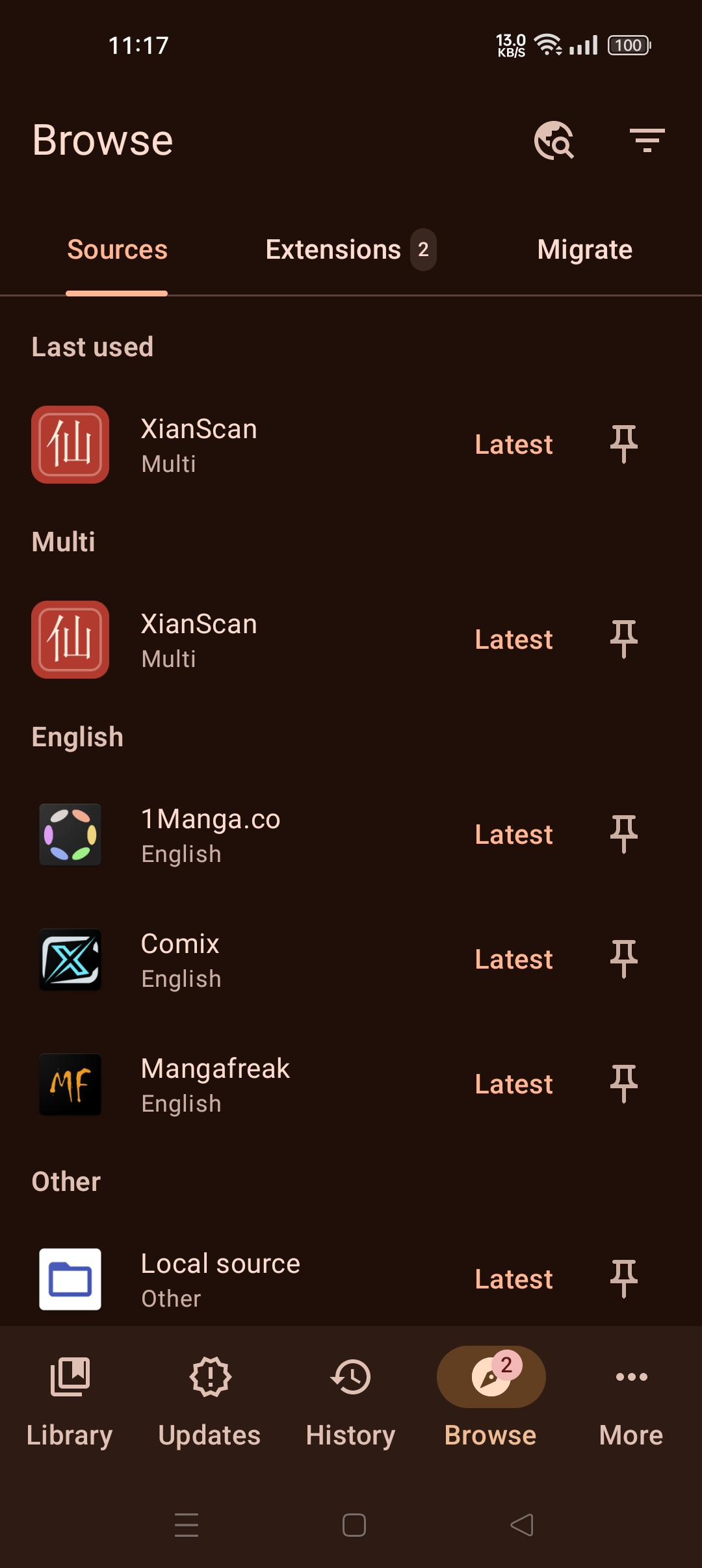
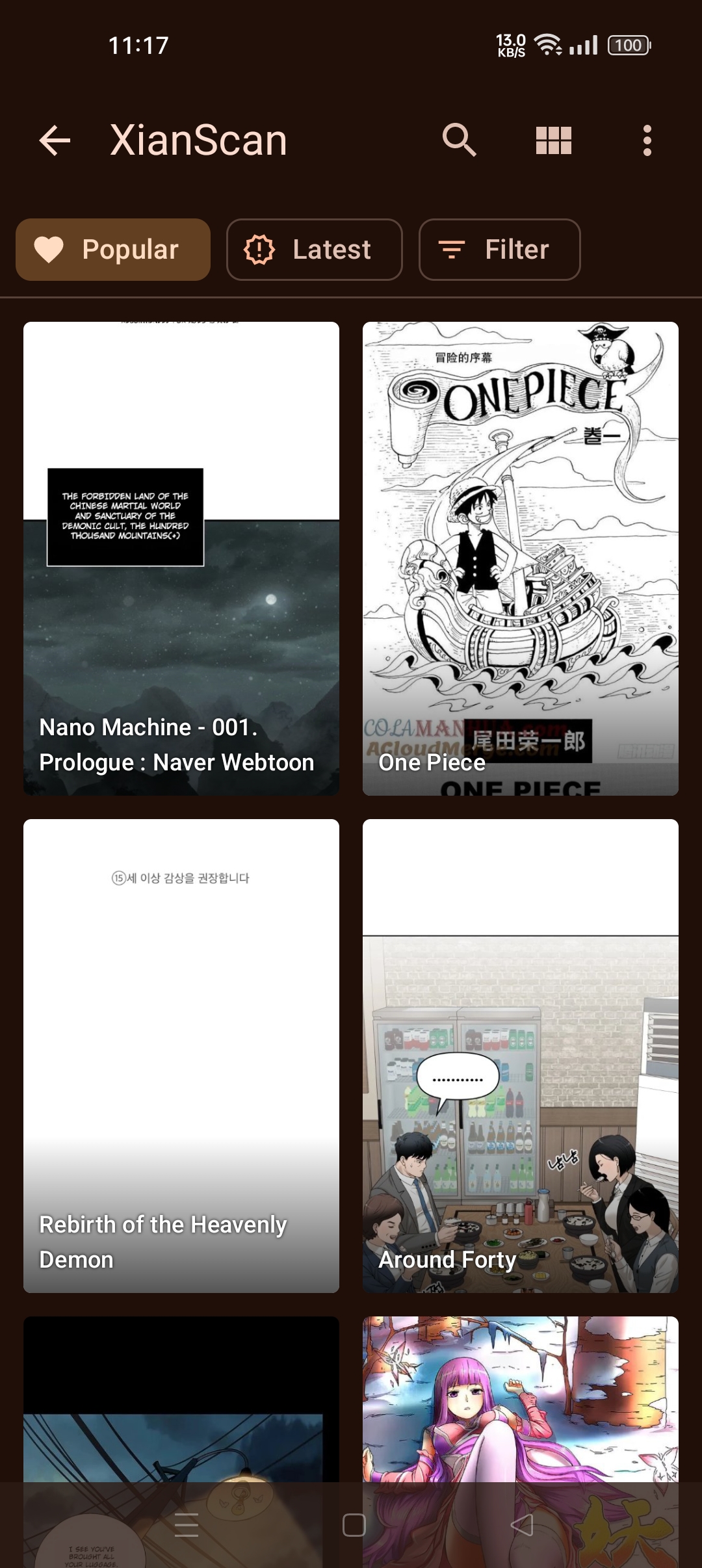
The XianScan extension for Mihon turns your XianScan library into a source in the Mihon reader app. Your pages stay on your computer and are streamed to the phone over your network.
- Requires: Android 6 or newer, and Mihon (mihon.app/download). The extension is built for Mihon's current extension format; older apps such as the original Tachiyomi cannot load it, and other forks are not tested.
- Tachimanga (iOS): being tested. It uses the same repository and settings; allow the Local Network permission when iOS asks.
| Sources | Library | Reader |
|---|---|---|
 |  |  |
2. Install the Extension
Option A: Add the repository (recommended, updates automatically)
- In Mihon, open More -> Settings -> Browse -> Extension repos.
- Tap Add and paste:
text
https://raw.githubusercontent.com/ArbenApura/xianscan-rust/repo/index.min.json- Go to Browse -> Extensions, find XianScan and tap Install (tap Trust if asked).
Option B: Install the APK by hand
- Download
tachiyomi-all.xianscan-v<version>.apkfrom therepobranch. - Open the file on your phone to install it, then tap Trust in Mihon if asked.
Use one option only. An APK built yourself is signed with a different key and cannot update over the repository version.
3. Connect to XianScan
- On your computer, turn on LAN access in XianScan (Settings -> Network & Access) and restart it. See Other Devices & Access Token.
- In Mihon, go to Browse -> Extensions and tap the gear icon next to XianScan, then the gear next to Multi.
- Tap Server address and enter the computer's address with port 8124, for example
http://192.168.1.20:8124(no slash at the end). - Tap Access token and paste the token from Network & Access.
- In Browse -> Sources, tap the filter icon and turn on the Multi language, then open XianScan.
The computer must be on and running XianScan while you read. To read away from home, see Cloudflare Tunnels.
4. Good to Know
- Pages that are not translated yet are shown in the original language.
- Chapters are numbered by their position in the book (1, 2, 3...), not by the chapter number in their title.
- Archived books are hidden. The Status filter narrows the list by publication status.
- "Popular" and "Latest" show the same list, sorted by the most recently updated book.